

COMMUNITY DISCUSSION
Still waiting for a straightforward option.
A community member asks whether there is news of an EU release—or a reliable option that doesn’t involve changing payment details.

Mirror with USB or Wi-Fi. Connect your AI assistant through local MCP.
Your phone, right where you work.

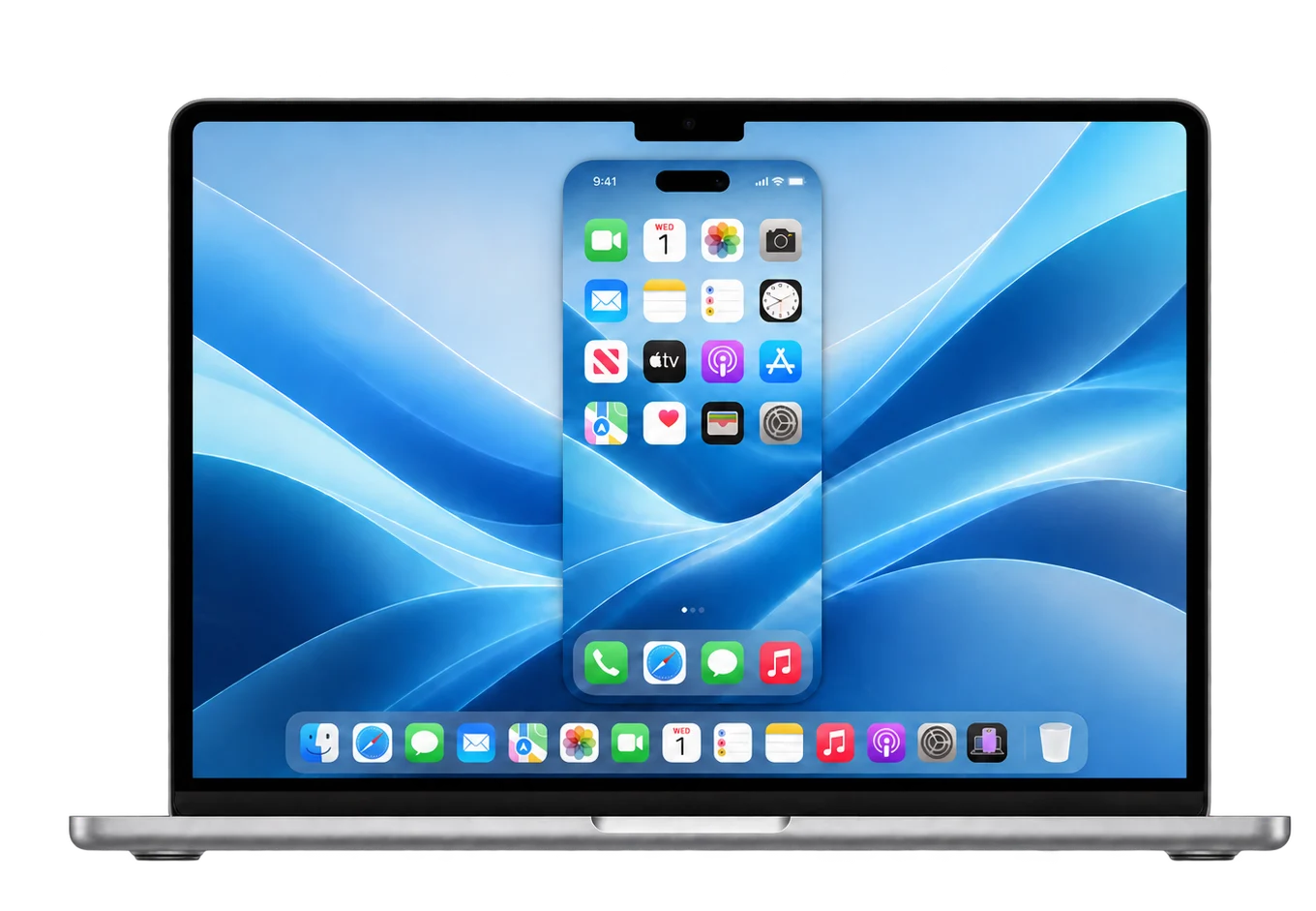
One screen. Two ways to mirror.
 “Open my app and test search.” See. Interact. Verify.USB MCP
Bring your iPhone to your Mac. Choose your connection, stay in control,
and give your AI assistant a view of the real device.

 Other MCP clients

Your iPhone, right where you work.
Let us know if you’d like this on your Mac.
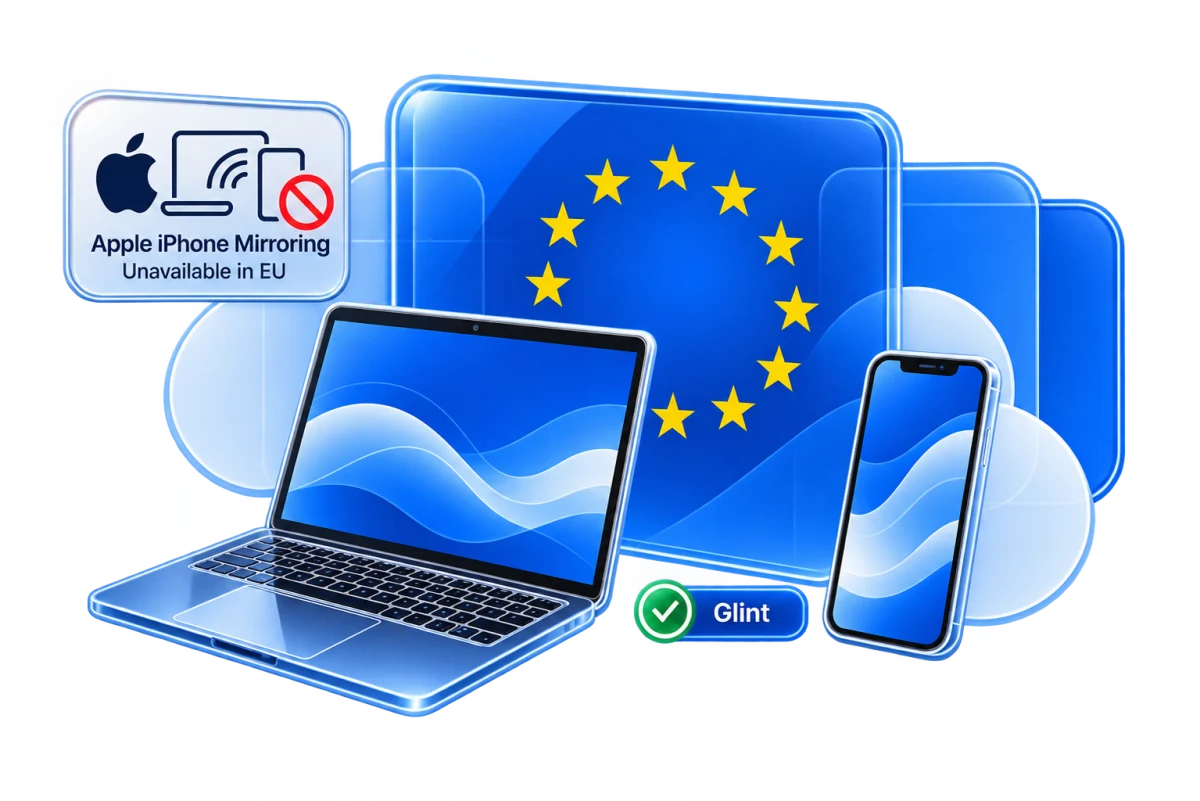
We started Glint because Apple’s iPhone Mirroring isn’t available in the European Union.
Using your own devices together shouldn’t mean changing your Apple Account country. We’re exploring a different path: USB and experimental live Wi-Fi mirroring with native control, in an app that feels at home on your Mac.
This is a work in progress, and we want to build it with people who care about the same thing.
Public conversations show the same need.
A simpler way to use devices you already own.
A community member asks whether there is news of an EU release—or a reliable option that doesn’t involve changing payment details.
In the same thread, someone reports difficulty paying for Apple Music after trying a different account country, because their payment methods were from home.

One user in Spain reports that mirroring still returned a region error despite using a US App Store account, except immediately after restarting their Mac.

Another thread asks whether a third-party option could bring iPhone notifications to a Mac when the region restriction prevents using Apple’s mirroring.

Wanting to use iPhone Mirroring in the European Union, and finding it unavailable. Glint is our attempt at a different path: USB viewing, experimental Wi-Fi streaming, and more dependable control as we build.

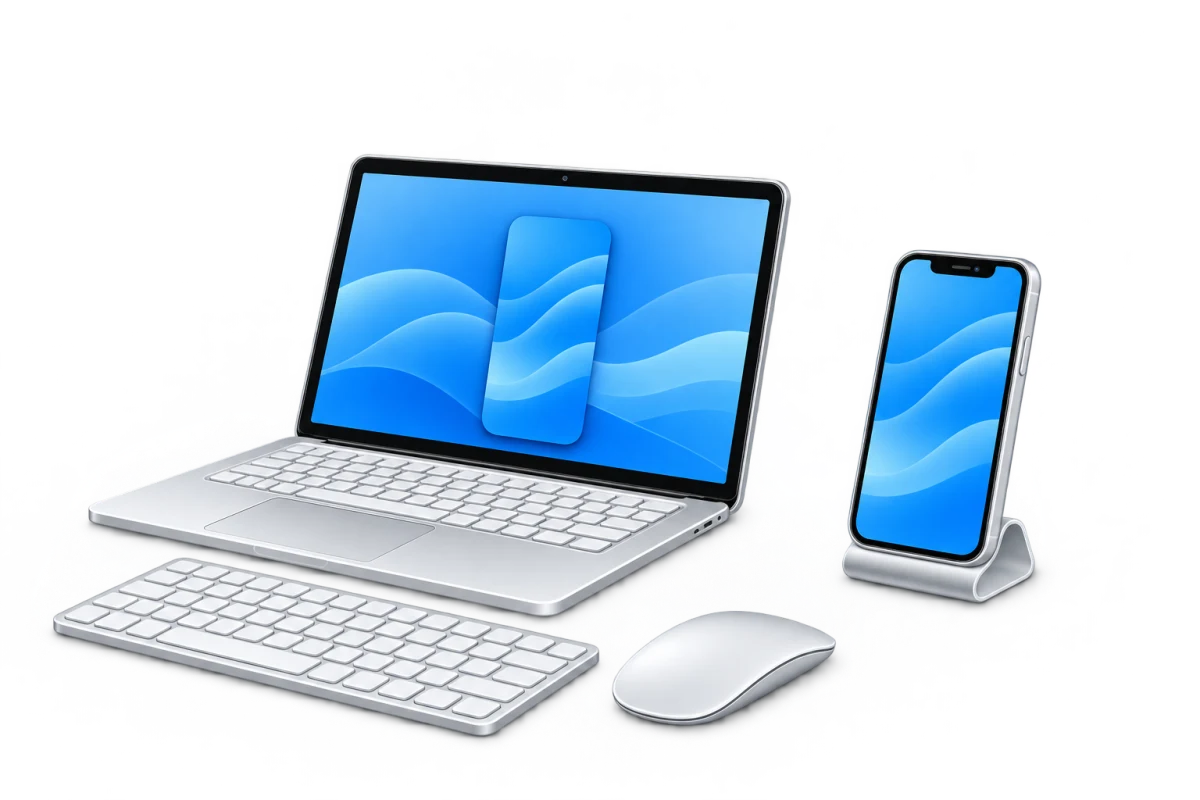 A DESK WITH ROOM FOR BOTH
Checking your phone shouldn’t have to pull you away from your desk. Glint brings its screen into the place where you’re already working.
One place to look.See your iPhone screen next to your Mac work, using USB or a paired Wi-Fi connection.
A familiar place to start.A native Mac app, with clear setup rather than a collection of terminal commands for basic mirroring.
A useful next step.We’re working toward dependable mouse and keyboard control. Today, that part is still experimental.
Connect Codex, Claude or another compatible MCP client to Glint.
Let your assistant see, interact and check the result.
Capture fresh screenshots. Read text with local OCR.
Open apps, tap and swipe. Type and navigate back.
Check text and workflows. Save short test recordings.
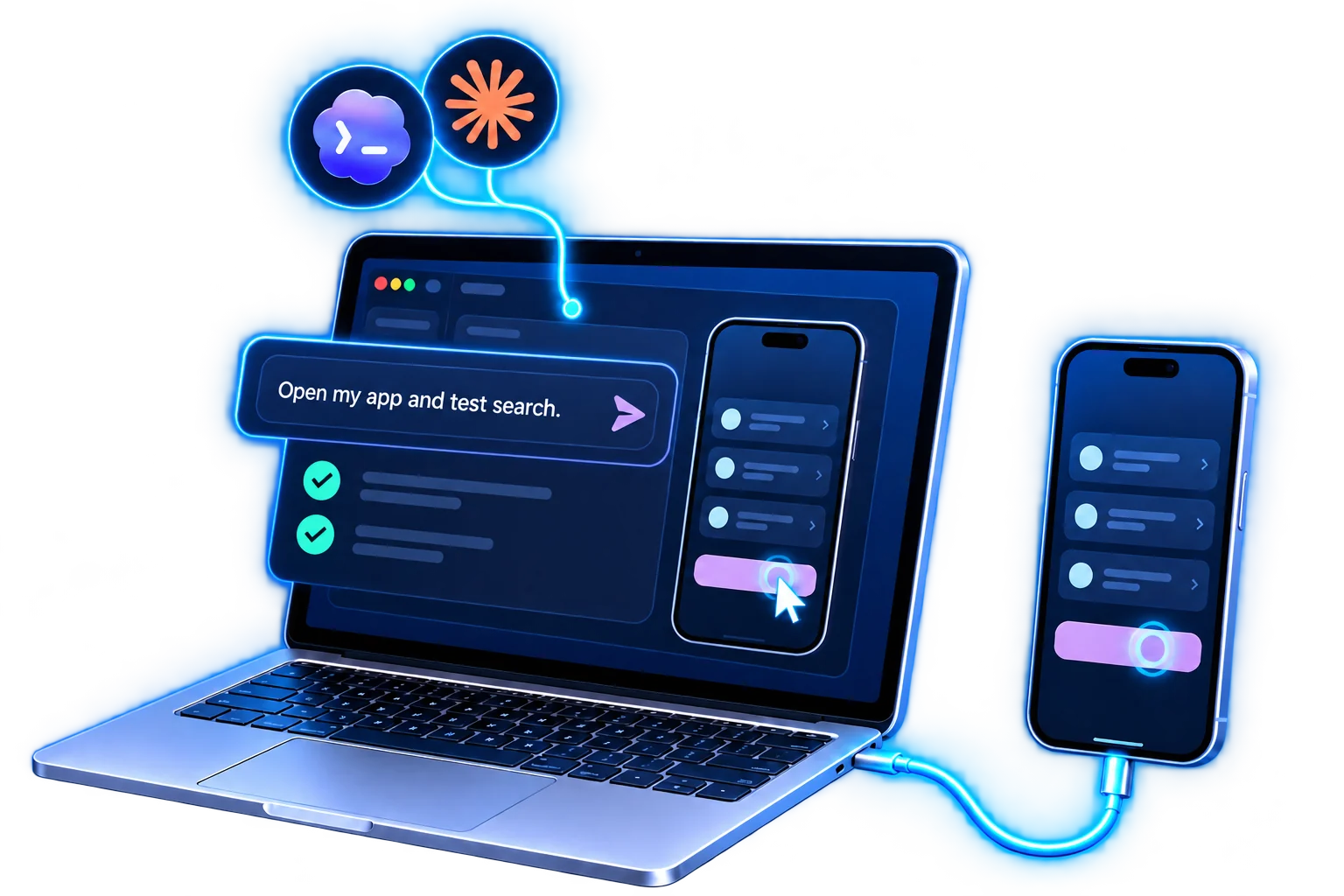
Connect Codex or Claude. Use other MCP clients too.
Connect your iPhone by USB. Wi‑Fi MCP isn’t supported.
Choose when AI has access. Stop access whenever you need.
Guided setup is included for Codex and Claude; other stdio MCP clients use manual setup. Your AI provider may receive screenshots and visible text. Glint is independent of OpenAI and Anthropic.
Start with USB viewing, or prepare Wi-Fi once.
Control has its own requirements.
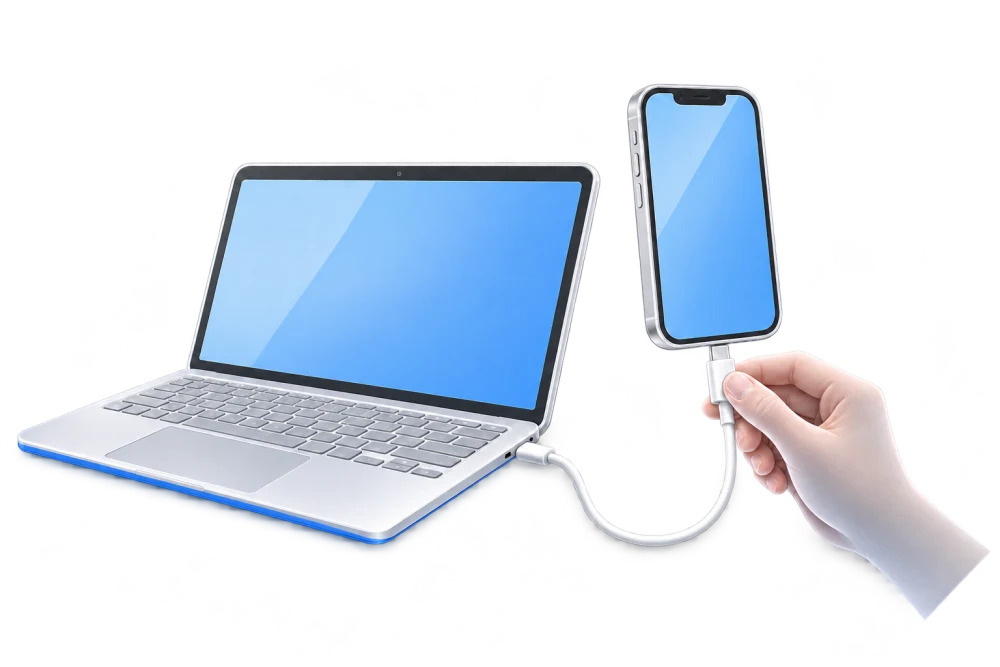
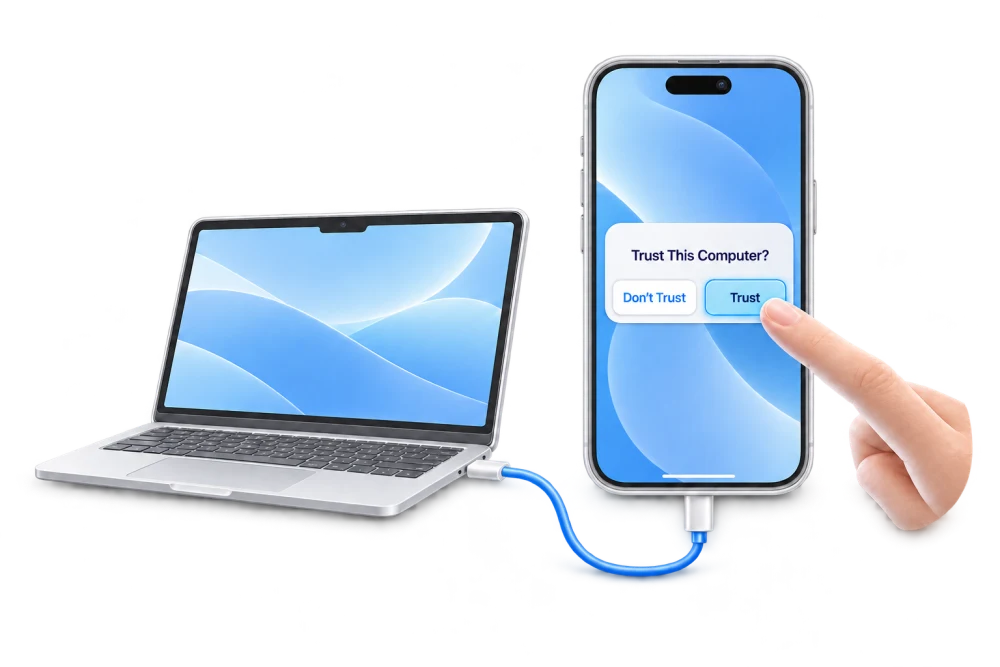
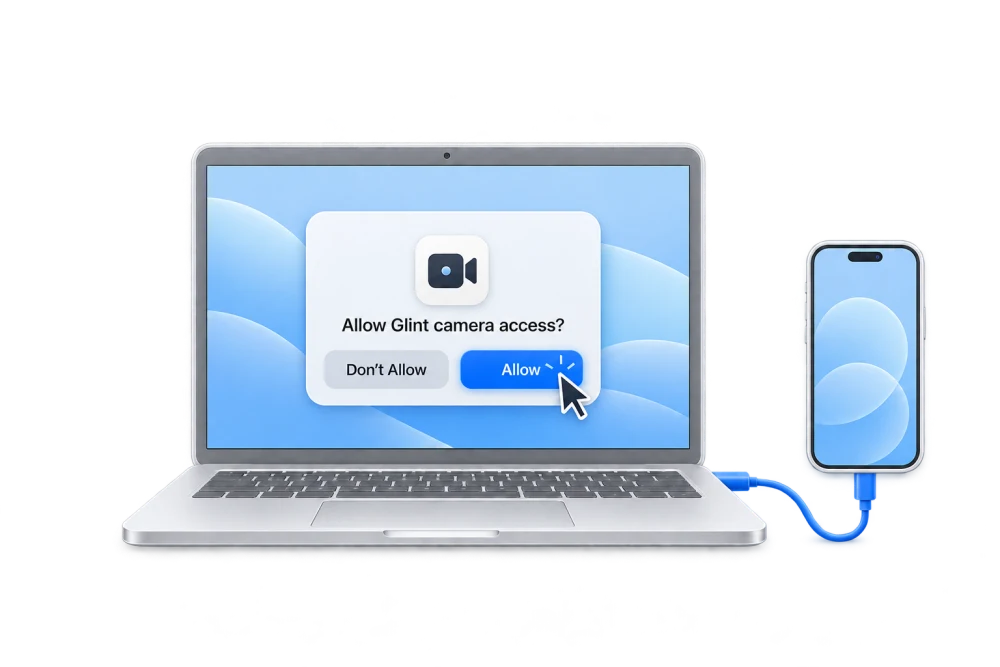
Illustrated setup guide, not a live device connection. Glint cannot unlock your phone or approve system prompts for you.
Viewing and control are different features.
Choose the setup that matches what you need.
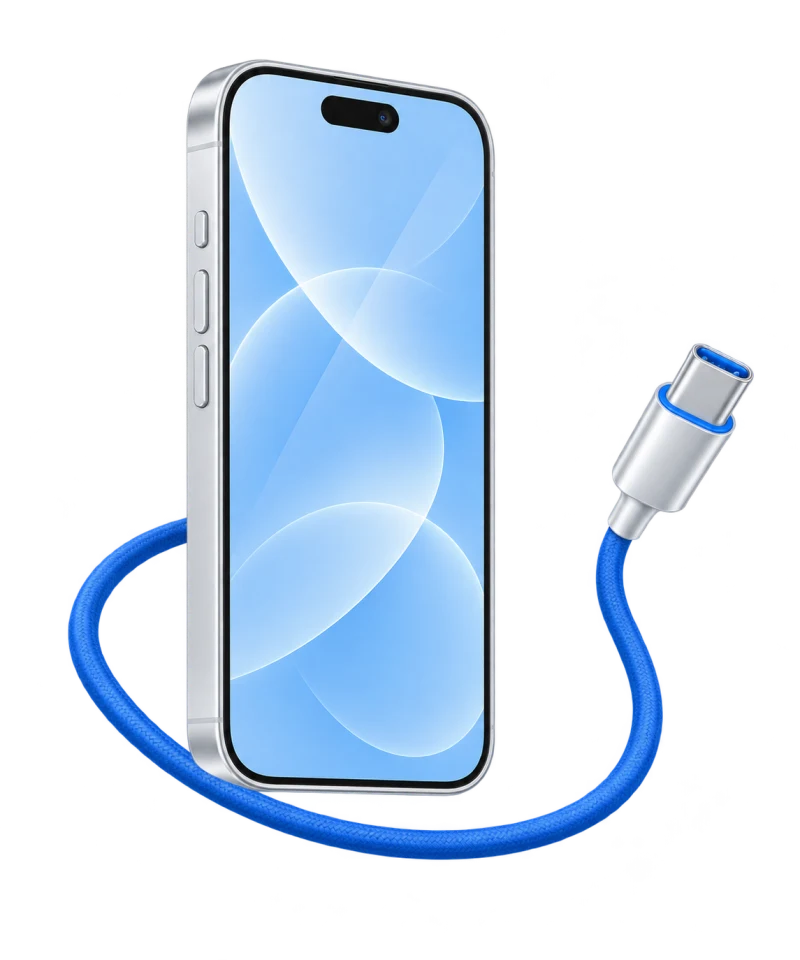
Connect a cable and start viewing.
No Developer Mode or iOS 27 needed.
Follow the USB guide
Optional USB control. Extra setup required.
Experimental: test tap and Home first.
Check Mac requirements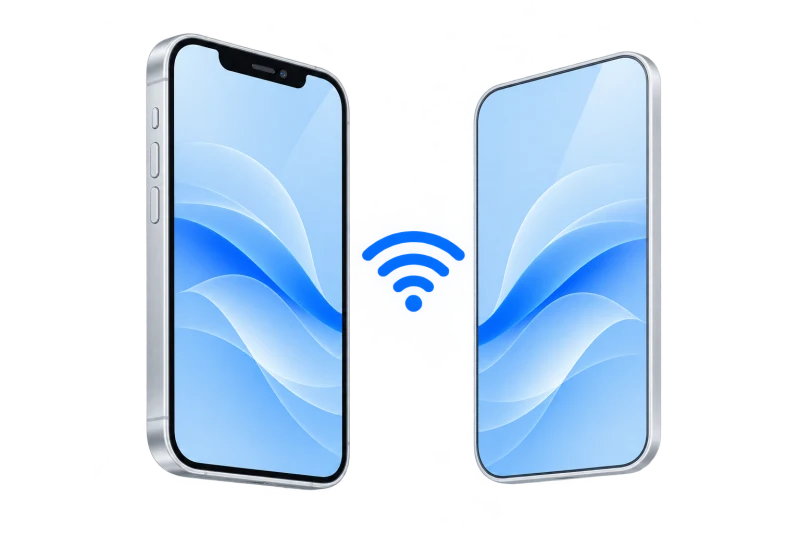
Live video over a paired local connection.
Experimental touch. No keyboard, multi-touch or hardware buttons yet.
See Wi-Fi setupA practical project with clear boundaries.
Useful progress, explained as we go.
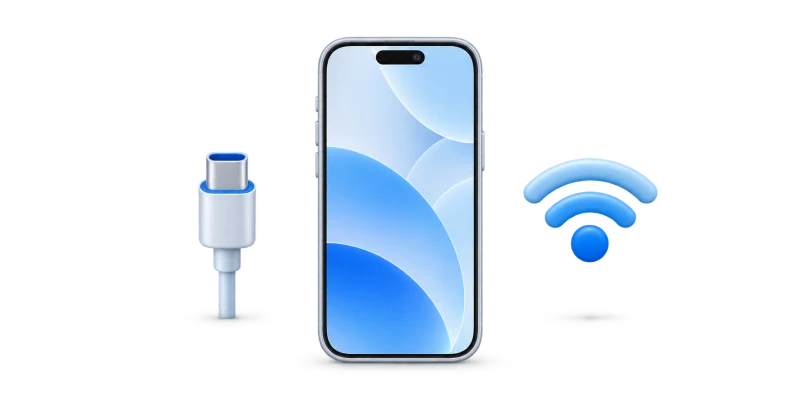
Use a local cable or an authenticated connection on the same Wi-Fi. No account-country change is part of Glint’s setup.
You approve trust, unlock your physical phone and allow capture on your Mac. Glint doesn’t bypass those boundaries.

Testing, feedback and thoughtful design help make the next version clearer and more dependable.
Built doesn’t mean fully validated.
Mirror your screen, choose your device and follow the permission prompts.
Device testing continuesWireless video and touch, plus USB mouse and keyboard control. Developer services required.
Reliability comes firstSigned beta downloads are available for Intel and Apple Silicon. Device coverage is still growing.
Public beta · feedback welcomeWe have a working direction, not a finished promise.
Help us make Glint easier, steadier, and useful to more people.
You don’t have to write code
to make Glint better.
Tell us what went wrong so we can make Glint more reliable.
Share an idea that would make Glint more useful for you.
Buy us a coffee and help keep the project moving.
Glint is in beta. Your feedback helps shape what comes next.
Download the signed, notarized beta for your Mac. Some features are experimental.
Apple Silicon: macOS 15+ · Intel: macOS 14+. Installation & requirements · Release notes & source
No. Glint is an independent project using USB video, experimental live Wi-Fi streaming and native control. It is not affiliated with or endorsed by Apple, and it does not unlock Apple’s region-restricted feature.
USB viewing, live Wi-Fi streaming, device selection and guided setup are implemented. Wi-Fi and control remain experimental. Wi-Fi taps have been tested on a phone; swipe, lock recovery and long-session reliability need broader testing. USB control needs the native components and compatible developer services.
Yes. Glint uses a paired developer-service video stream, not AirPlay. No companion iPhone app is required. Live Wi-Fi requires iOS 27+, Developer Mode, a compatible developer image and one-time trusted USB pairing. It remains experimental and is not a promise of USB-equivalent latency.
USB offers experimental mouse and keyboard control after native-control setup. Wi-Fi supports experimental taps and drag-to-swipe; keyboard, multi-touch and hardware buttons are not available over Wi-Fi. Unlock on the physical iPhone. Test control on your own device before relying on it.
Glint’s USB path does not ask you to change your Apple Account country. Your iPhone must be connected, unlocked and trusted, and you must approve macOS capture permission.
Yes. Download the signed beta for Intel or Apple Silicon below. Read the installation guide before getting started.
USB uses a local cable; Wi-Fi uses an authenticated paired connection on your local network. Website visitor measurement can use Cloudflare Web Analytics on the public site. Local previews are excluded; no external fonts are loaded. Device pairing records, identifiers, credentials and local runtimes stay out of the source repository. Experimental control grants access to your phone: use it only on devices you own or are authorized to operate.
